The Best Pika.art Alternative
Image 1
The character must not leave the bottle. The bottle rotates slowly, and the character rotates along with it. The head must also rotate. Do not leave the bottle.
The character stands at the center of a neon-lit stage, with synchronized backup dancers performing the same movements. Hands move gracefully to the chest with an emotional expression and a slight head tilt. The performance concludes as the camera slowly zooms in, capturing a captivating and playful wink from all performers, with the character delivering a final, flirtatious wink that leaves a lasting impression
Please turn this photo into a character figure. Behind it, place a box with the character’s image printed on it .Next to it, add a computer with its screen showing the Blender modeling process. In front of the box, add a round plastic base for the figure and have it stand on it. The PVC material of the base should have a crystal-clear, translucent texture, and set the entire scene indoors.
The picture is a selfie of the main character, taken with a wide-angle lens. In the foreground are her arms holding the camera. Place the main character right in the middle of the frontmost seat of the roller-coaster car. The seats on either side of the main character are unoccupied. The main character is facing the camera head-on. The main character looks extremely excited, with her mouth wide open and a bright, joyful smile on her face. The safety restraint system of the roller coaster is firmly strapped across her chest. In the same row behind her, there are two other passengers. Both of these passengers seem to be enjoying the thrilling ride, with excited expressions on their faces. There were also some other passengers sitting at the back.The carriage itself has blue-hued seats and yellowish-brown armrests. The background consists of a clear and sunny sky and the steel frames of a roller coaster.
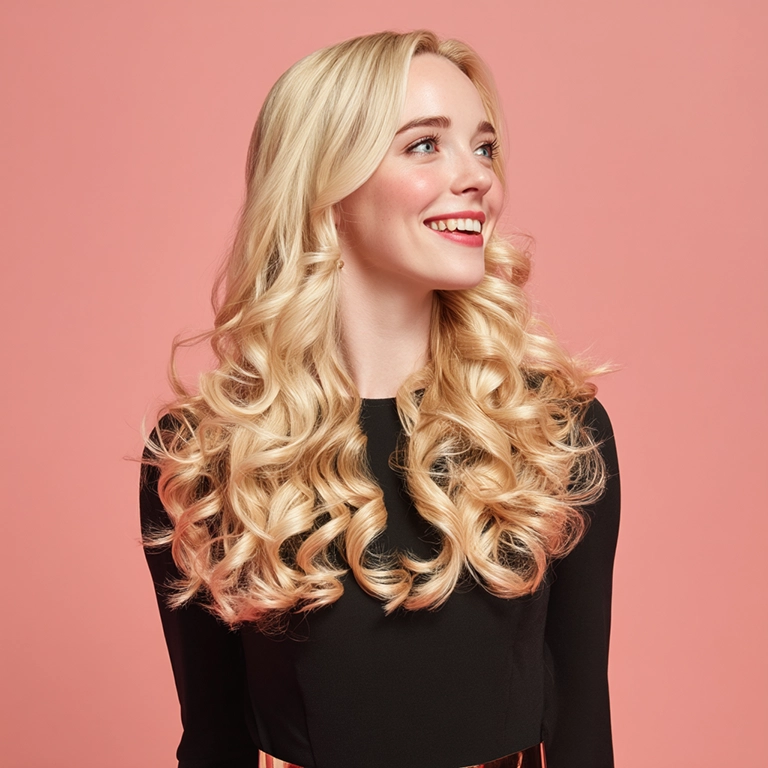
Upload Image
Transform Your Images into Living Videos
Experience the magic of AI-powered video generation. Upload your image, add a prompt, and watch as our advanced AI transforms it into a stunning, lifelike video in seconds.
Try Image to Video Now
Makefilm: Your Premier Pika.art Alternative for AI-Powered Creative Design
Welcome to Makefilm, the pika.art alternative that changes the way you create stunning digital art. Create graphics, design logos and icons, edit images, illustrations & presentations. Greatest part, it's free. Being the most advanced AI art platform, Makefilm provides the most intuitive design tools and technology for you to use. Whether you're looking for art generation alternatives or professional creative design tools, our platform doesn't compromise power that pika.art alternatives often lack.
How to Use Makefilm - The Easiest Pika.art Alternative
Makefilm like many art software tools out there, is simple enough to use if digital art software options aren't your usual:
Sign Up
Join Moment for free!
Enter Your Prompt
What's in your mind/upload reference images
Tweak Settings
You can also tweak other settings such as style, format, creative settings etc.
Create & Download
Watch as Makefilm makes your masterpiece
Problems Solved by Our Pika.art Alternative Solution
Typical Creative Challenges
Typical creative challenges that Makefilm solves for parties involved in creating creative content are:
Technical barriers in design
Ultra-simple, intuitive interface with zero learning curve
Low creativity output
Extensively in styles more than other art generators
Time-consuming creativity
Blazing-fast professional designs
AI-Powered Solutions
Typical creative challenges that Makefilm solves for parties involved in creating creative content are:
High costs for pro tools
Low price compared with other pika.art alternatives
Variable results
Advanced AI delivery ensures premium output every time
Challenge: Technical Barriers
Technical barriers in design
Solution: Intuitive Interface
Ultra-simple, intuitive interface with zero learning curve.
Complete AI Video Creative Suite
Artist, creator or enthusiast, no matter your experience, MakeFilm gives you the tools you need to bring your creative vision to life.
AI Video Generator
Create unique videos by entering text or selecting images
Caption Generator
Generate auto dynamic styling captions according to video content
Caption Remover
Click on subtitle spots in video to auto erase text and watermarks
Audio Generation
Automatically create matching voices and sound effects for your content
Main Features of Our Pika.art Alternative Platform
With a much more powerful neural network than those of various available art generator alternatives, Makefilm's advanced AI engine is able to understand highly detailed prompts with great precision, produces visual materials that are close to your vision.
Text-to-Art Generation
With a much more powerful neural network than those of various available art generator alternatives, Makefilm's advanced AI engine is able to understand highly detailed prompts with great precision, produces visual materials that are close to your vision.
Style Customization
Discover artists. Browse thousands of unique styles beyond what pika.art alternatives offer. Makefilm is flexible from renaissance to cyberpunk.
- Renaissance Style
- Cyberpunk Style
- Thousands of Styles
- Flexible Styles
Multi-Format Output
Create images of any size and customize the available designs or produce your own with ease when you choose digital art software made for your touch screen.
- Any Size Images
- Customizable Designs
- Touch Screen Ready
- JPG Output
- PNG Output
Batch Creation
Generate a batch of art ideas in no time with this machine for generating art or art generator set, could save you hours when compared with the traditional way of doing creative design or alternate art style generators.
Seamless Editing
Touch up your generated art with our in-app editor--a functionality lacking from other similar art websites.
Why Choose Makefilm for Your Pika.art Alternative
Superior Technology
Our home-made AI algorithms generate higher quality results than those of the standard art generator alternatives, thanks to better prompt understanding and artistic consistency.
Comprehensive Toolset
While most pika.art rivals are limited in functions, Makefilm is a one stop solution for creation/editing/optimization.
Transparent Pricing
No mystery fees or over-the-top charges like the other creative platform replacements -- just simple, value-backed plans.
Regular Updates
We constantly update our platform by listening to user feedback and implementing technological improvements more quickly than other art maker apps.
Dedicated Support
Unlike the stagnant support many free art generation tools offer, our team is continuous adjusting and updating everything so you always get the best quality work.
Target Audiences
Professional Creators
Graphic designers, illustrators and artists who don't want to use pika.art for client work.
Marketing Teams
Social Media Managers and Content Creators who need an effective tool for creating visuals that align with their brand.
Small Businesses
Startups searching for affordable image editing software substitutes to create a professional visual identity.
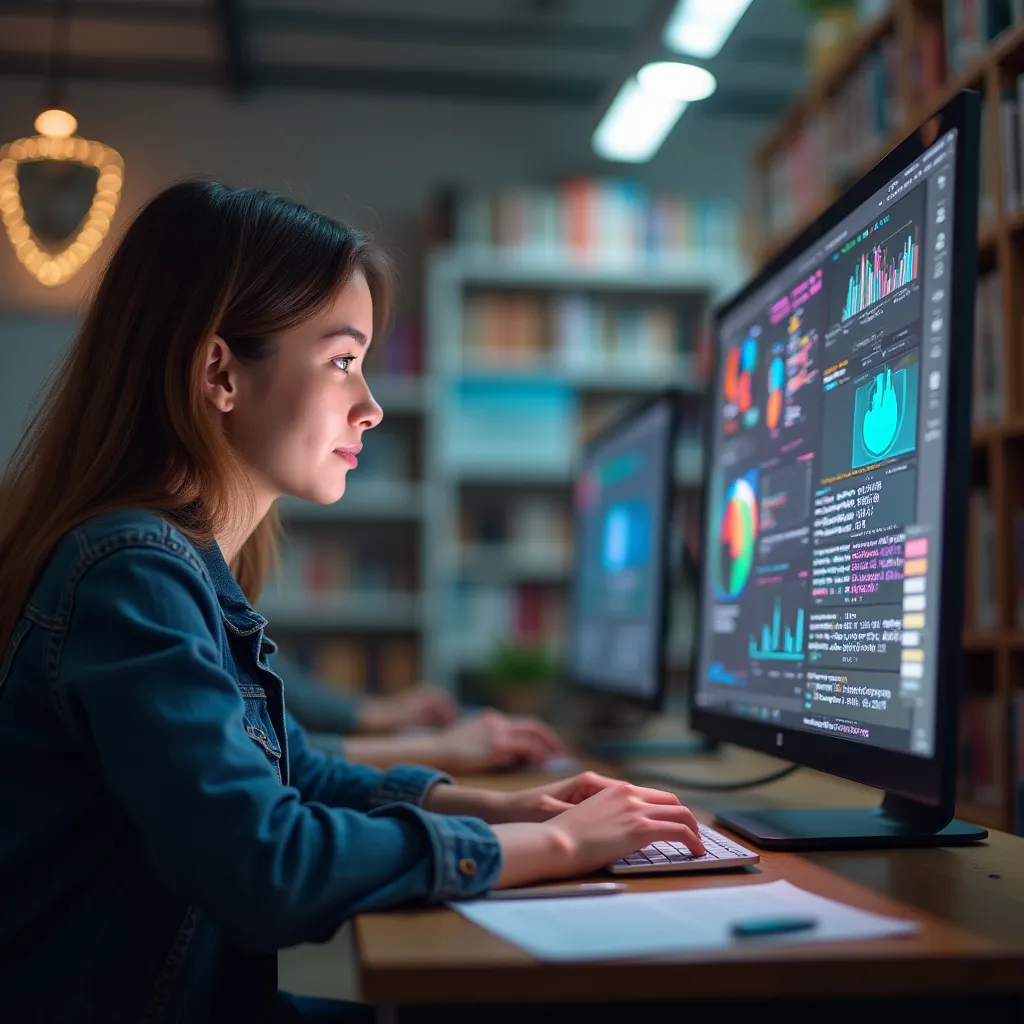
Educational Institutions
Educators and students in need of user-friendly contemporary art tools for reports and presentations.
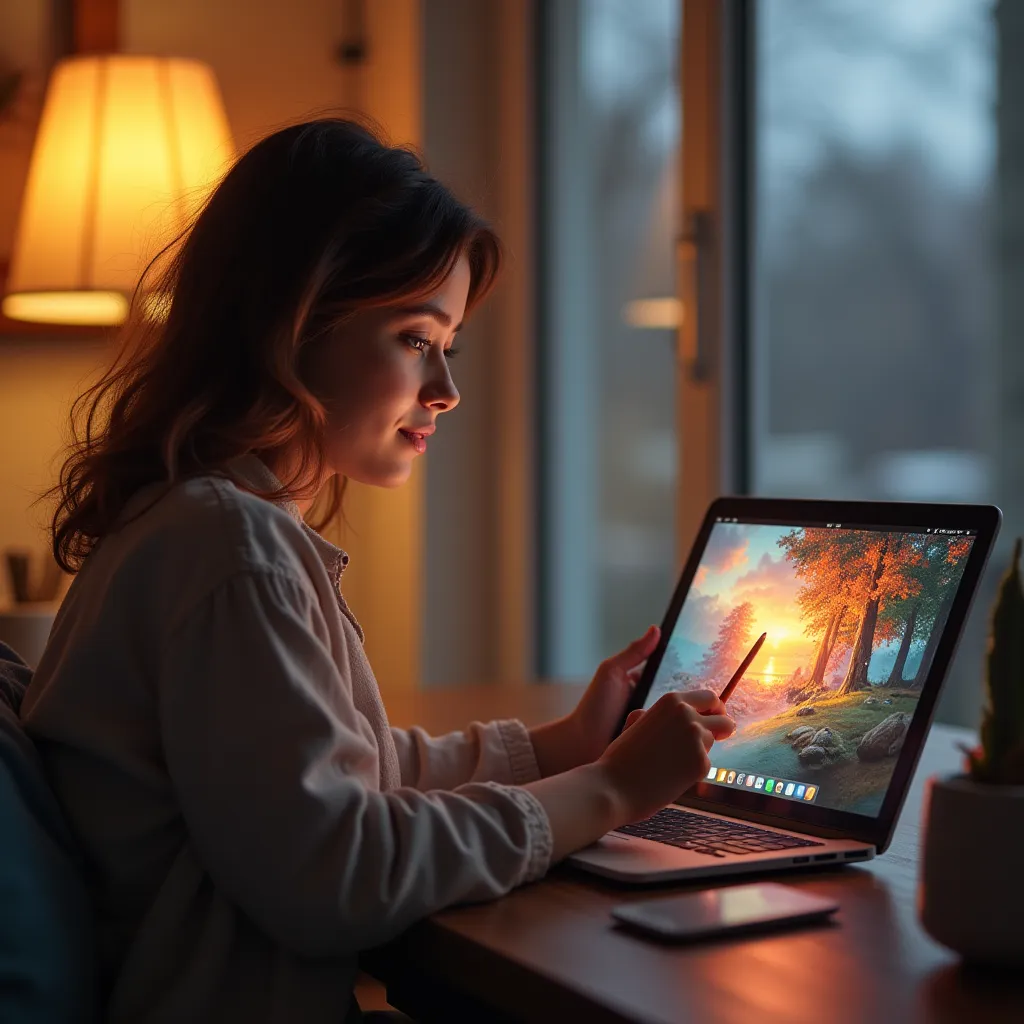
Hobbyists
Artists experimenting with creative design options without getting bogged down with technical details.
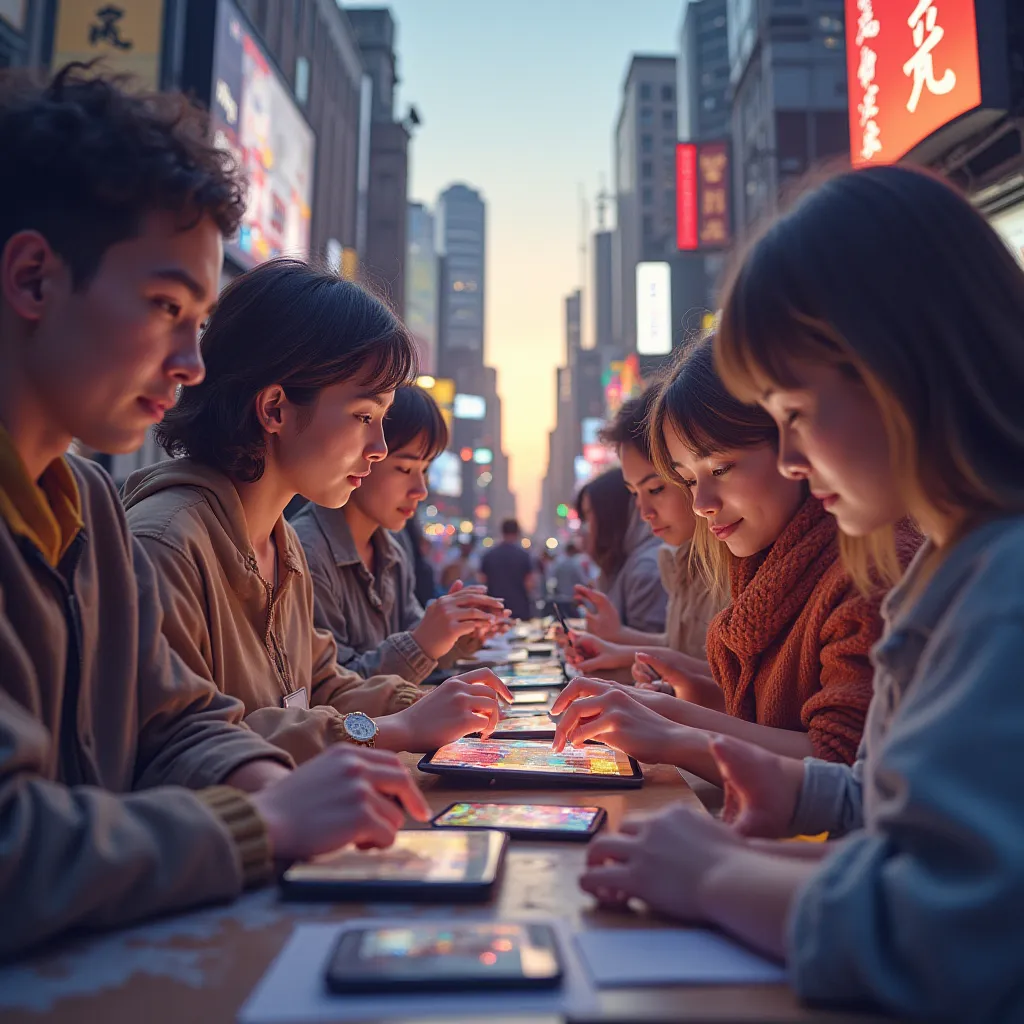
Anyone Needing Art
Makefilm is easy for anyone needing quick, high-quality digital art.
Customer Feedback
See what users are saying about Makefilm.

Michael T.
IndigoTrack Graphic Artist
"Having tried a lot of different art generator options, the simplicity of Makefilm and the end result are hard to beat. It has changed the way I design completely."simplicity and end result.
Sarah J.
Director of Marketing
"I observed pika testing other pika," she says. "art alternatives, I feel Makefilm gives the most realistic results. You can't beat that customization."most realistic resultsYou can't beat that customization.

David L.
Illustrator For Hire
"Makefilm is more cost-effective than any other creative design tool I have used. Just the batch creation feature alone is saving me hours every week on client projects."saving me hoursevery week on client projects.
Frequently Asked Questions
Experience the Best Pika.art Alternative Today
Why would you go with second best for art generator when you can have all that you need in Makefilm? Become part of the rapidly expanding group of men and women who are finding their creative genius beyond what traditional pika.art alternatives can deliver. Ready to work the creative process? Give Makefilm a try today and see why we're the leading of the top digital art software for professionals globally.